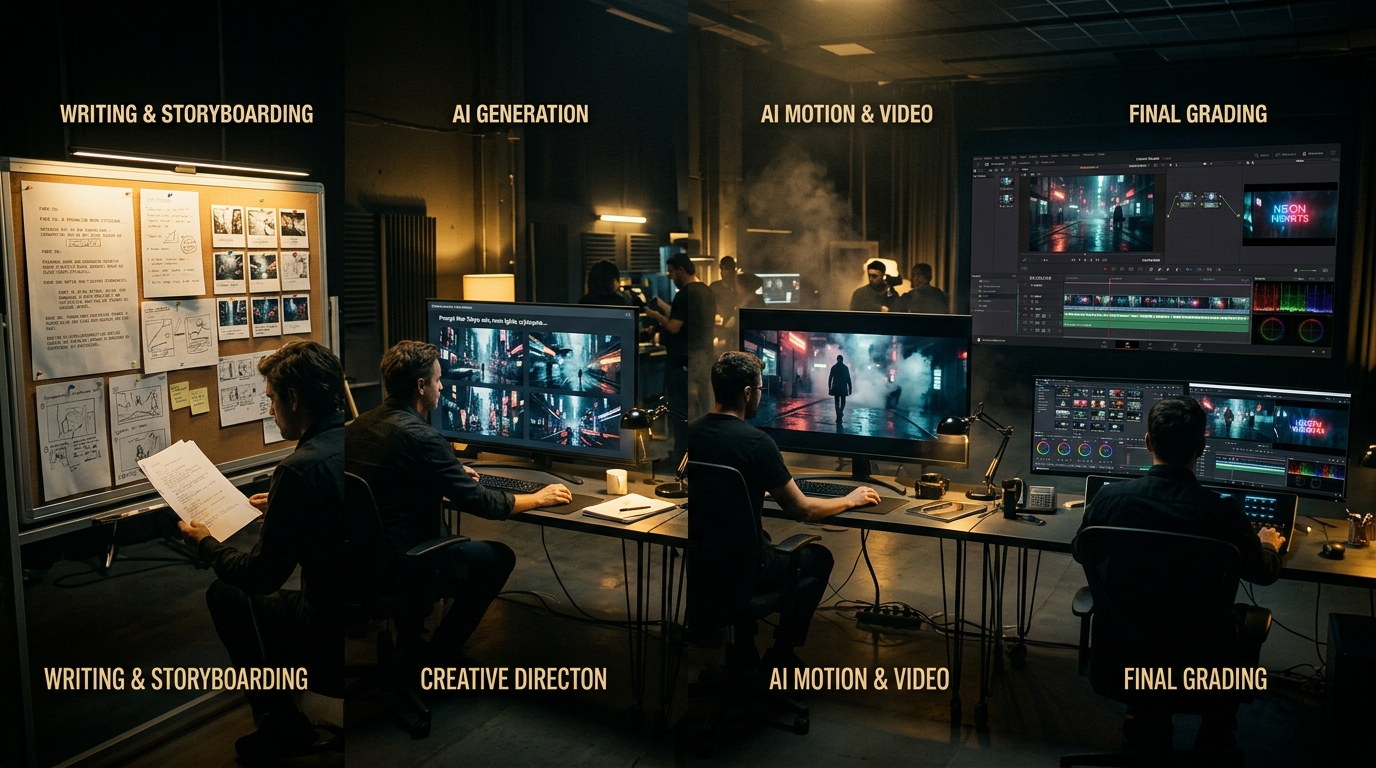
Key Production Takeaways
- ✓Lock script and shot lists before prompting to avoid wasting generation credits.
- ✓Build character model sheets and concept plates first for visual continuity across scenes.
- ✓Direct camera movement explicitly (panning, tracking, dolly) and trim artifacts in an NLE.
The difference between an amateur experimenting with generative prompts and a professional filmmaker is having a repeatable, disciplined production workflow. Without a system, AI video creation devolves into an expensive game of slot-machine prompting where assets fail to connect and projects are abandoned.
This guide details a proven 5-phase workflow you can execute from idea to final cut.
💡 New to AI Filmmaking? Start with our comprehensive primer: AI Filmmaking: The Complete Beginner's Guide.
Phase 1: Pre-Production & Scripting
Everything in filmmaking begins with story architecture. Trying to prompt visual shots before locking your script leads to wasted generation credits.
- Premise & Logline: Use Claude to brainstorm core story hooks, high-concept premises, and antagonist conflicts.
- Three-Act Beat Sheet: Define clear turning points (Inciting Incident, Midpoint, Climax, Resolution).
- Screenplay Drafting: Format each scene with precise sluglines (e.g.,
EXT. CYBERPUNK ALLEYWAY - NIGHT) and detailed sensory action descriptions.
Structuring your prompts like a professional camera operator guarantees far more intentional, usable generations than improvised freeform prompting.
Phase 2: Asset Pre-Visualization & Visual Continuity
Consistency is the benchmark of professional production. Before generating a single second of video, you must establish locked visual references.
Character Model Sheets
- Generate full-body turnaround plates of your key characters against neutral studio backdrops.
- Note specific prompt keywords that anchor their likeness (e.g., sharp angular jawline, messy silver undercut, dark trench coat, emerald eyes).
- Save these reference plates in high resolution to use across image-to-video pipelines.
Location & Lighting Concept Plates
- Generate establishing shots of every key setting in your film.
- Keep color palettes consistent: establish whether a scene uses cold fluorescent lighting, warm amber tungsten, or moody natural sunlight. Re-using environment anchor plates ensures the viewer always recognizes the world.
Phase 3: Generative Video Production
With your asset sheets locked, begin the video generation stage using models such as Runway Gen-3, Kling AI, or Seedance.
- Image-to-Video First: Upload your pre-visualized character or location plate as the starting frame. This locks your aesthetic before motion begins.
- Direct the Camera, Not Just the Subject: Prompt explicit camera movements:
- Static camera with slow atmospheric dust particles moving right
- Slow tracking shot following character walking down hallway
- Fast whip-pan left to reveal empty doorway
- Motion Brush & Dynamic Sliders: If available in your chosen tool, use motion brushes to paint motion only onto water, hair, or vehicles while keeping characters stable.
- Curate the Best Takes: Expect to generate 3 to 5 iterations per shot to achieve natural, glitch-free motion. Save your best takes into organized scene folders. Test low-motion values first before dialing up dramatic movement.
🛠️ Choosing Your Video Engine: See our benchmark comparison of Runway, Kling, and others in Best AI Filmmaking Tools (2026): The Complete Stack.
Phase 4: Audio Engineering & Voice Acting
Sound design gives synthetic imagery believable physical weight.
- Character Voices: Synthesize dialogue in ElevenLabs. Add subtle pauses, ellipses, and commas to pace character breath.
- Environmental Ambience: Never leave a scene silent. Build multi-track stems with room tone, outdoor wind, distant traffic, and floor creaks.
- Original Scoring: Compose thematic soundtracks using Suno. Match the musical tempo (BPM) and instrumentation to the dramatic tension of the scene.
Phase 5: Editorial Assembly & Finishing
The final step takes place in an NLE like DaVinci Resolve or Adobe Premiere Pro.
- Rough Assembly: Drop your dialogue and key shots into the timeline to verify pacing and scene length.
- Action Trimming: Trim the initial 0.5s and final 0.5s of AI generation clips to eliminate morphing artifacts or static freeze frames.
- Sound Mixing: Level dialogue clear above the music track, side-chaining the score during spoken lines.
- Unifying Color Grade: Apply a subtle film grain overlay and unified 35mm LUT to blend disparate model outputs into a cohesive cinematic aesthetic. A unified color profile pulls disparate AI generations together like a real camera sensor.
Make a Complete 1-Hour AI Movie
In our comprehensive course AI Filmmaking Pro, we walk you through the full workflow, step by step, ending with a complete 1-hour AI movie.
Want to produce a complete 1-hour film from start to finish?
In AI Filmmaking Pro, Dan Kieft breaks down the complete 1-hour film creation pipeline: prompt engineering, camera controls, consistent character sheets, and timeline assembly in DaVinci Resolve.
Frequently Asked Questions
Written by Dan Kieft
Specializing in generative cinematic video pipelines, prompt architecture, and AI audio synchronization. Passionate about empowering independent storytellers to realize full-length films without traditional industry gatekeepers.
Related Production Guides
Best AI Filmmaking Tools (2026): The Complete Stack
The AI filmmaking tools we use, organized by production stage: script, images, video, voice, music and editing. What each is for, watch-outs, and a budget-friendly starter stack.

Curious Refuge AI Course Review: Is It Worth $749?
Honest Curious Refuge AI Filmmaking course review: the $749 price, what's included, free options, things to check before buying, and cheaper alternatives.
AI Filmmaking: The Complete Beginner's Guide
Learn how to make cinematic films with AI from home. Complete beginner's guide covering scripting, consistent characters, video generation, and editing.