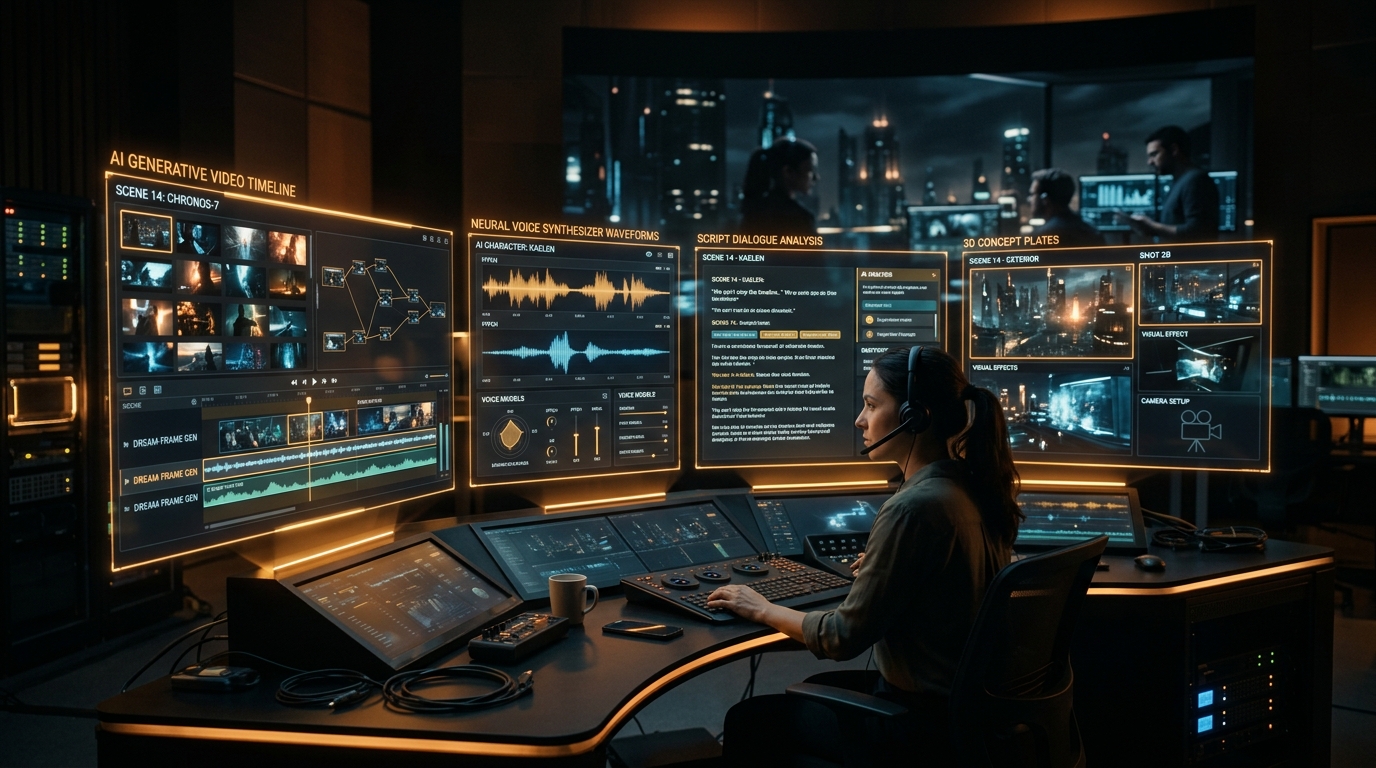
Key Production Takeaways
- ✓Select one dedicated tool per production stage instead of paying for a dozen overlapping subscriptions.
- ✓Lock character turnaround sheets first before animating to preserve visual likeness.
- ✓Always check commercial rights and licensing terms on audio and video plans before publishing.
Disclosure: I teach these production workflows in AI Filmmaking Pro. This page contains no affiliate links. Tools change fast, so check each tool's own website for current features and pricing.
There is no single "best" AI filmmaking tool. A film is an integrated pipeline, and different tools are strongest at specific stages. This guide organizes the essential tools by stage, so you can pick one dedicated tool per stage instead of paying for ten redundant subscriptions.
📚 Prerequisite Guide: If you are new to the discipline, start with our foundational overview: AI Filmmaking: The Complete Beginner's Guide.
The AI Filmmaking Production Pipeline
| Stage | What You Need | Recommended Industry Tools |
|---|---|---|
| 1. Ideas & Script | Story, screenplay, scene breakdown, shot lists | Claude 3.5 Sonnet, ChatGPT |
| 2. Characters & Locations | Consistent still plates to animate | Midjourney v6, Flux 1.1 Pro, Higgsfield |
| 3. Video Generation | Moving cinematic shots from images or prompts | Runway Gen-3 Alpha, Kling AI, Seedance |
| 4. Voice & Dialogue | Emotional character dialogue and narration | ElevenLabs |
| 5. Music & Score | Scene score, atmospheric cues, and mood tracks | Suno v3.5, Udio |
| 6. Editorial & Color | Assembling pacing, color grade, and master cut | DaVinci Resolve, Premiere Pro, CapCut |
1. Script and Ideas: Claude 3.5 Sonnet
Use a large language model to brainstorm premises, outline three acts, draft scenes, and format a script for production. The most useful habit is to iterate: ask for a beat sheet first, then scenes, then dialogue.
- Good for: Story development, scene-by-scene breakdowns, shot lists, and script formatting.
- Watch out for: Generic plots. Give it your own characters, tone, sensory details, and narrative constraints.
2. Characters and Locations: Midjourney & Flux
Consistent characters and settings are the hardest part of AI film. You generate high-resolution reference images first, then animate them using image-to-video.
- Midjourney & Flux: Industry-standard generators for photorealistic concept plates, turnaround sheets, and lighting reference.
- Higgsfield: Commonly described as strong for dramatic camera moves and VFX-style shots.
- LTX Studio: Built around the story rather than a single shot, offering script-to-storyboard pre-visualization.
- Watch out for: Characters drifting between shots. Save reference sheets and reuse exact physical descriptors.
💡 Related Deep Dive: See how to structure character turnaround sheets step-by-step in our AI Filmmaking Workflow: From Idea to Final Cut.
3. Video Generation: Runway & Kling AI
- Runway Gen-3 Alpha: A comprehensive creative toolset around video models, including motion brushes, camera controls, and inpainting features.
- Kling AI & Seedance: High-fidelity video generation models with exceptional physics and realistic camera motion.
- Watch out for: Short clip lengths, unnatural morphing, and credit-based pricing that burns fast. Test a few shots on trial tiers before committing to an enterprise plan.
4. Voice & Dialogue: ElevenLabs
ElevenLabs remains the gold standard for AI voice acting, dubbing, and expressive dialogue without requiring expensive studio microphones.
- Good for: Narration, distinctive character dialogue, and emotional inflections.
- Watch out for: Commercial-use and voice-rights rules in the tier you choose. Always read the license terms before publishing or monetizing your film.
5. Music & Sound Design: Suno
Used to generate original scores, trailer music, and cinematic background atmosphere.
- Watch out for: Licensing and commercial-use terms differ between free and paid tiers. Always check the platform's current commercial rights before distributing to streaming or festivals.
6. Editing & Color Grading: DaVinci Resolve
AI generates raw clips; you still need a dedicated editor to assemble pacing, sound, and color into a cohesive movie. DaVinci Resolve is our top recommendation because its free version includes studio-grade color grading and Fairlight audio mixing.
A Budget-Friendly Starter Stack
You do not need every tool on the market. A lean, production-ready setup requires only:
- One script tool (Claude 3.5 Sonnet)
- One image generator (Midjourney or Flux)
- One video generator (Runway Gen-3 or Kling AI)
- One audio tool (ElevenLabs)
- One non-linear editor (DaVinci Resolve - free)
How to Choose Your Toolset
- Want story-first planning? Look at tools built around script and storyboard.
- Want more control over camera and motion? Prioritize the video tools with motion brushes and explicit camera direction.
- Short on budget? Start with the smallest paid plan of one video tool and reuse still images across shots.
- Publishing and monetizing? Check commercial-use terms for every tool in your stack.
Frequently Asked Questions
What is the single best AI tool for filmmaking?
There is no single best tool. Pick the strongest tool per stage and keep your stack small and focused.
Do I need to pay for all of these simultaneously?
No. Start with one tool per stage on free or introductory tiers, and upgrade only the stage that limits your production speed.
Can beginners make a full AI film?
Yes, with a structured workflow. That is what AI Filmmaking Pro teaches, ending with a complete 1-hour AI movie.
Master the Complete Pipeline
AI Filmmaking Pro walks through script, images, video, sound, editing and publishing for $79 one-time.
Want to produce a complete 1-hour film from start to finish?
In AI Filmmaking Pro, Dan Kieft breaks down the complete 1-hour film creation pipeline: prompt engineering, camera controls, consistent character sheets, and timeline assembly in DaVinci Resolve.
Frequently Asked Questions

Written by Dan Kieft
Specializing in generative cinematic video pipelines, prompt architecture, and AI audio synchronization. Passionate about empowering independent storytellers to realize full-length films without traditional industry gatekeepers.
Related Production Guides
Curious Refuge AI Course Review: Is It Worth $749?
Honest Curious Refuge AI Filmmaking course review: the $749 price, what's included, free options, things to check before buying, and cheaper alternatives.
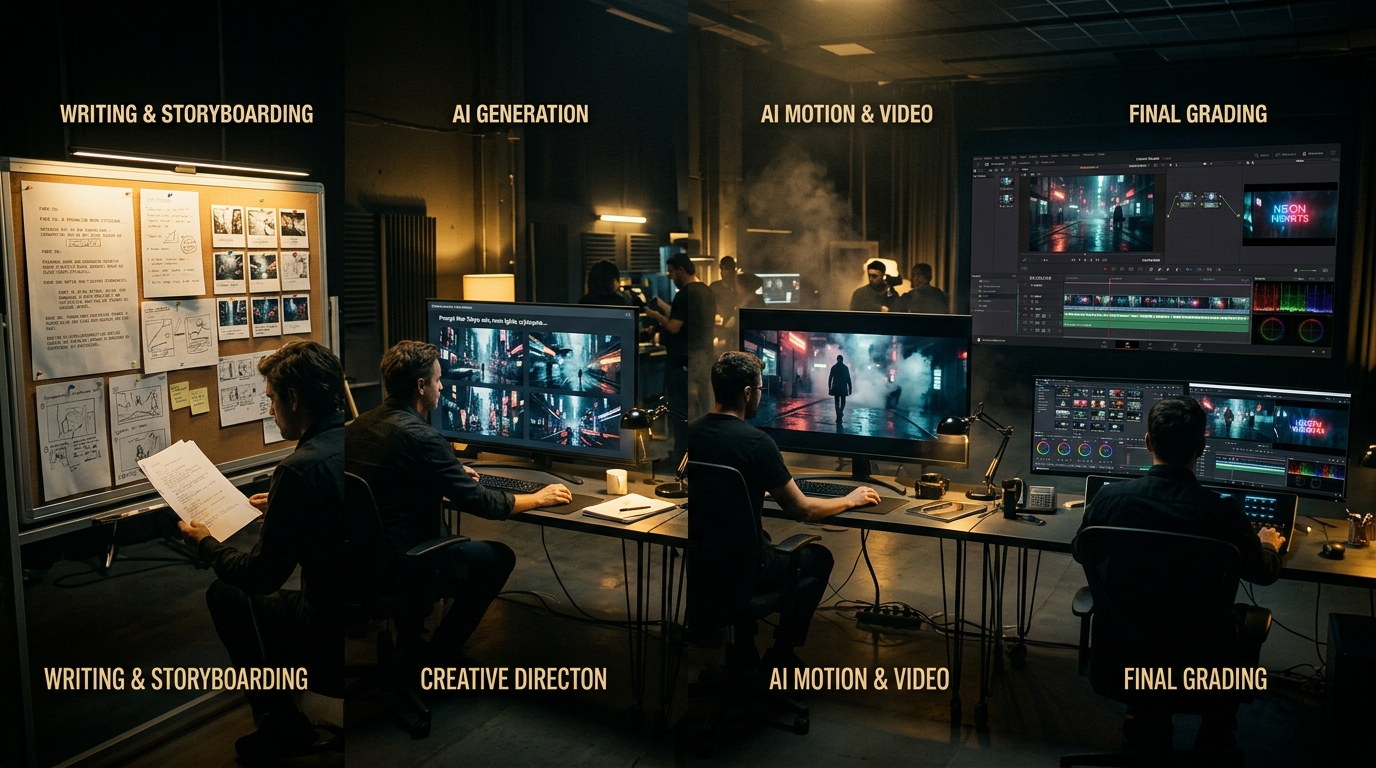
AI Filmmaking Workflow: From Idea to Final Cut
A step-by-step technical breakdown of the modern AI filmmaking workflow. Learn the exact process to take an idea from script to final color grade.
AI Filmmaking: The Complete Beginner's Guide
Learn how to make cinematic films with AI from home. Complete beginner's guide covering scripting, consistent characters, video generation, and editing.