Key Production Takeaways
- ✓Combine specialized AI tools (Claude, Runway, ElevenLabs) into a unified narrative pipeline.
- ✓Lock character sheets before animating with image-to-video to prevent character drift.
- ✓Sound design (Foley, room tone, score) is essential for emotional weight and realism.
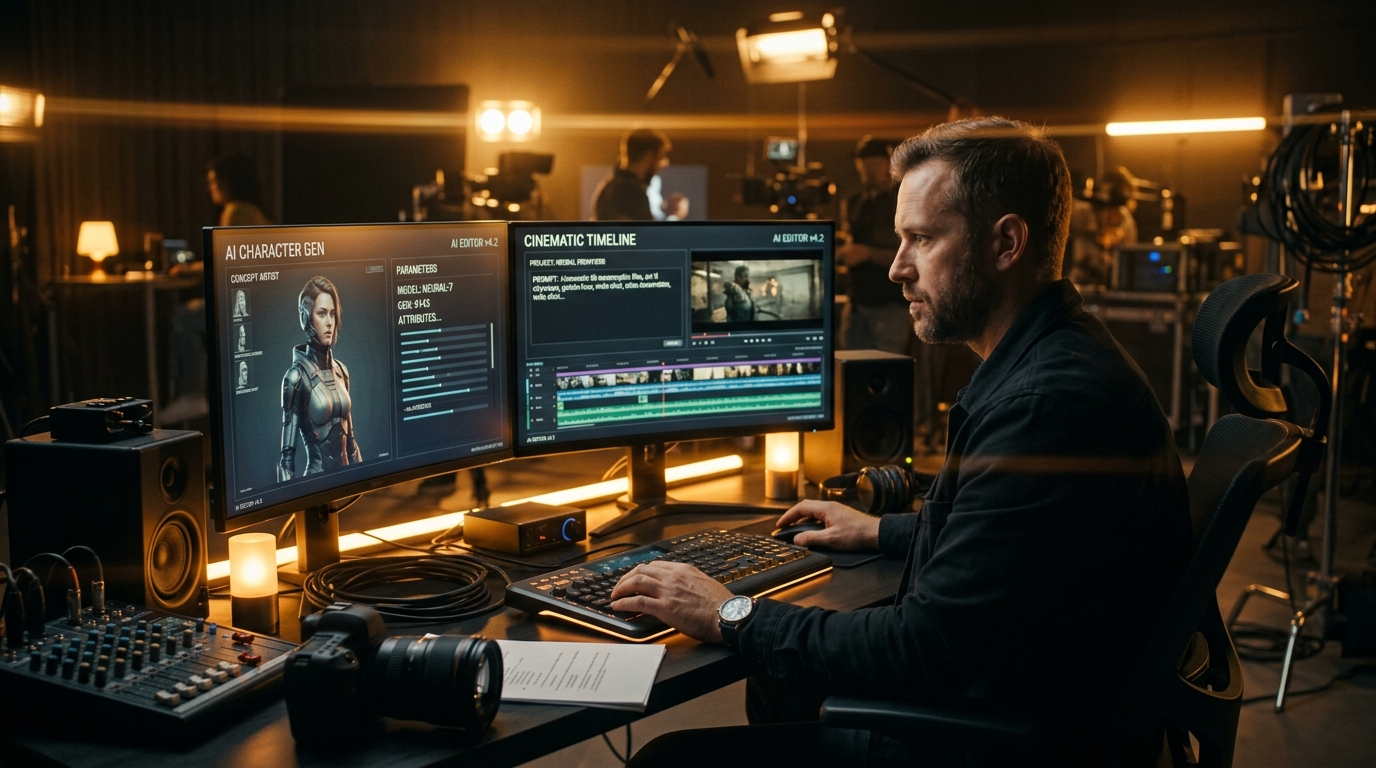
Until recently, producing a cinematic story required expensive camera bodies, professional lenses, soundstages, lighting rigs, and a team of specialists. Today, a new generation of creative artificial intelligence models allows a single storyteller to write, direct, voice, score, and edit an entire movie from a laptop browser.
This comprehensive guide breaks down the core architecture of modern AI filmmaking, explaining step by step how to move from a blank page to a finished, watchable narrative film.
1. What Is AI Filmmaking?
AI filmmaking is the craft of combining multiple specialized generative AI systems into a coherent film production pipeline:
- Large Language Models (LLMs): Tools like Claude for story outlining, scriptwriting, beat sheets, and prompt generation.
- Image Generation Engines: Midjourney and Flux for character model sheets, costume design, and location plates.
- Generative Video Models: Platforms like Runway Gen-3, Kling AI, and Seedance for transforming still images or text descriptions into fluid cinematic shots with realistic camera movement.
- Voice & Audio Synthesizers: Dedicated systems like ElevenLabs and Suno for voice acting, environmental Foley, and original scores.
- Non-Linear Editors (NLEs): Industry standards like DaVinci Resolve or CapCut for color grading, audio leveling, and editorial rhythm.
Mastering this interplay between generative visual models and classic post-production is what transforms random prompt outputs into cohesive cinematic scenes.
💡 Next Step in Your Pipeline: Want a deep dive into the exact step-by-step process? Read our companion breakdown: AI Filmmaking Workflow: From Idea to Final Cut.
2. The 4 Golden Rules of Consistent Characters
The single biggest technical hurdle beginners face in generative video is character drift, where a protagonist's facial structure, haircut, or wardrobe morphs between cuts.
To maintain strict visual consistency across your scenes:
- Build a Master Character Sheet: Generate front, profile, and 3/4 angle portraits against a plain background. Save these high-resolution images as your permanent reference anchors.
- Lock Specific Facial Descriptors: Use concrete, unchanging descriptive tokens across all prompts (e.g., “30-year-old Scandinavian detective, sharp cheekbones, crooked nose, salt-and-pepper cropped hair, weathered charcoal wool trench coat”).
- Use Image-to-Video (I2V): Never rely purely on text-to-video for recurring characters. Upload your locked reference image as the starting frame so the model animates motion directly from your character portrait.
- Seed & Camera Weighting: In tools that support seed locking or reference image weighting, keep consistent seed parameters within the same scene. Having a turnaround plate ready before prompting cuts visual mismatch down significantly.
3. The Recommended Beginner Tech Stack
You do not need a dozen subscriptions to start. A lean, production-ready stack consists of:
| Category | Primary Tool | Free / Budget Starting Option | Key Role |
|---|---|---|---|
| Script & Story | Claude 3.5 Sonnet | Claude Free Tier | Screenplays, beat sheets & dialogue |
| Video Motion | Runway Gen-3 Alpha / Kling AI | Free Trial Credits | Animate stills into 4K cinematic shots |
| Voiceover & Dialogue | ElevenLabs | Starter Plan ($5/mo) | High-fidelity voice acting & dubbing |
| Music & Atmosphere | Suno AI | Free Daily Credits | Original cinematic soundtracks & mood |
| Video Editing | DaVinci Resolve / CapCut | 100% Free Desktop Versions | Assembling cuts, pacing & color grade |
🛠️ Detailed Tool Comparison: For pricing, strengths, and watch-outs for each tool, explore our full directory: Best AI Filmmaking Tools (2026): The Complete Stack.
4. Common Beginner Pitfalls (And How to Avoid Them)
- Trap 1: Relying solely on text-to-video. Always generate high-resolution character and environment still plates first, then animate them using image-to-video for 10x better consistency.
- Trap 2: Ignoring sound design. Without Foley effects, room tone, and score, AI video feels uncanny and lifeless.
- Trap 3: Never finishing a project. Don't spend months generating isolated 4-second demo clips. Commit to finishing a short film or capstone project with a beginning, middle, and end. Finishing even a 3-minute complete narrative teaches more than 100 isolated prompt experiments.
5. Frequently Asked Questions
Can a beginner really direct an entire film with AI?
Yes. By breaking production into structured phases (script, character sheets, video generation, audio, and editing), a solo creator can direct a complete film from home.
How much does it cost to get started?
You can start for under $10 using free tiers on Claude, Kling, and Suno, paired with a free editor like DaVinci Resolve.
Ready to Make a Full 1-Hour AI Film?
If you are ready to master the complete pipeline (from character sheet consistency to full feature post-production), check out our flagship training:
Get 10+ hours of structured video lessons, turnkey prompt packs, shot-list templates, and lifetime updates.
Want to produce a complete 1-hour film from start to finish?
In AI Filmmaking Pro, Dan Kieft breaks down the complete 1-hour film creation pipeline: prompt engineering, camera controls, consistent character sheets, and timeline assembly in DaVinci Resolve.
Frequently Asked Questions

Written by Dan Kieft
Specializing in generative cinematic video pipelines, prompt architecture, and AI audio synchronization. Passionate about empowering independent storytellers to realize full-length films without traditional industry gatekeepers.
Related Production Guides
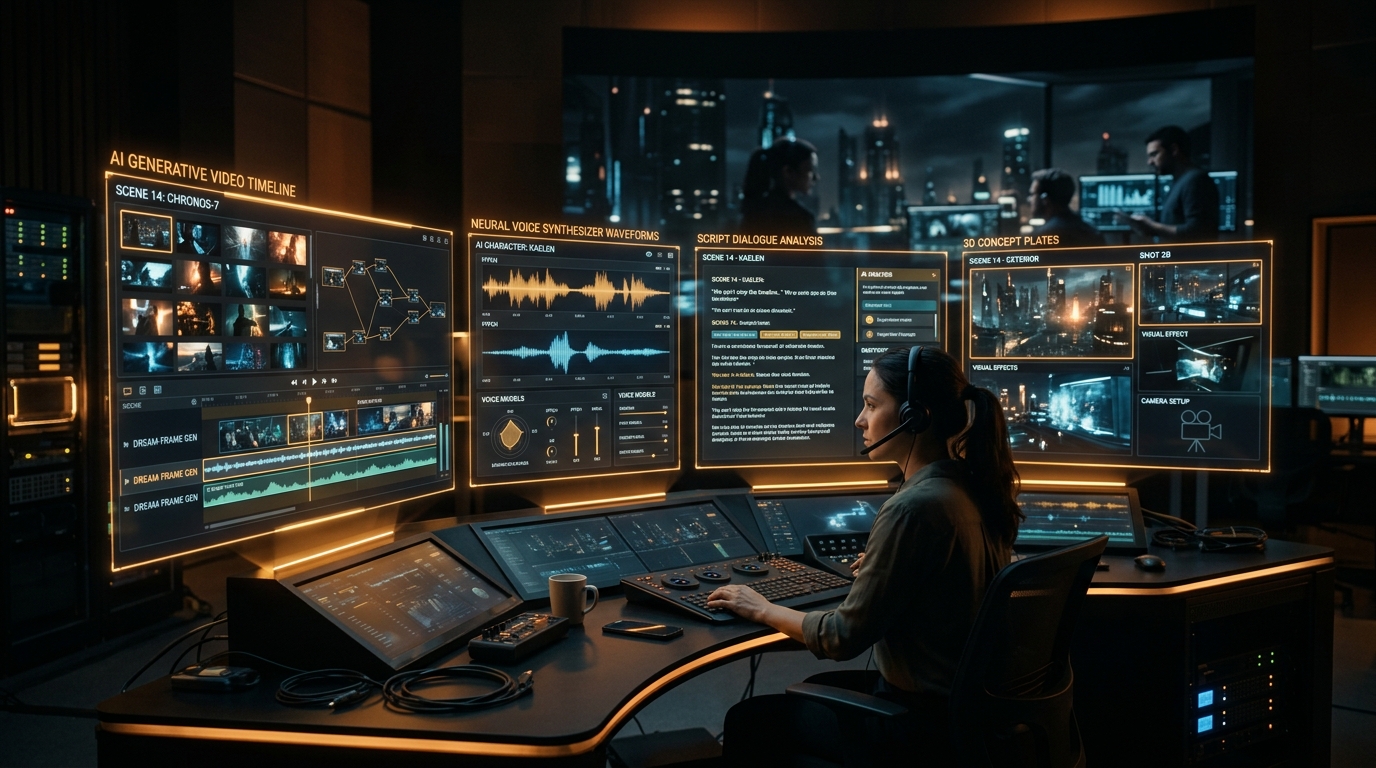
Best AI Filmmaking Tools (2026): The Complete Stack
The AI filmmaking tools we use, organized by production stage: script, images, video, voice, music and editing. What each is for, watch-outs, and a budget-friendly starter stack.
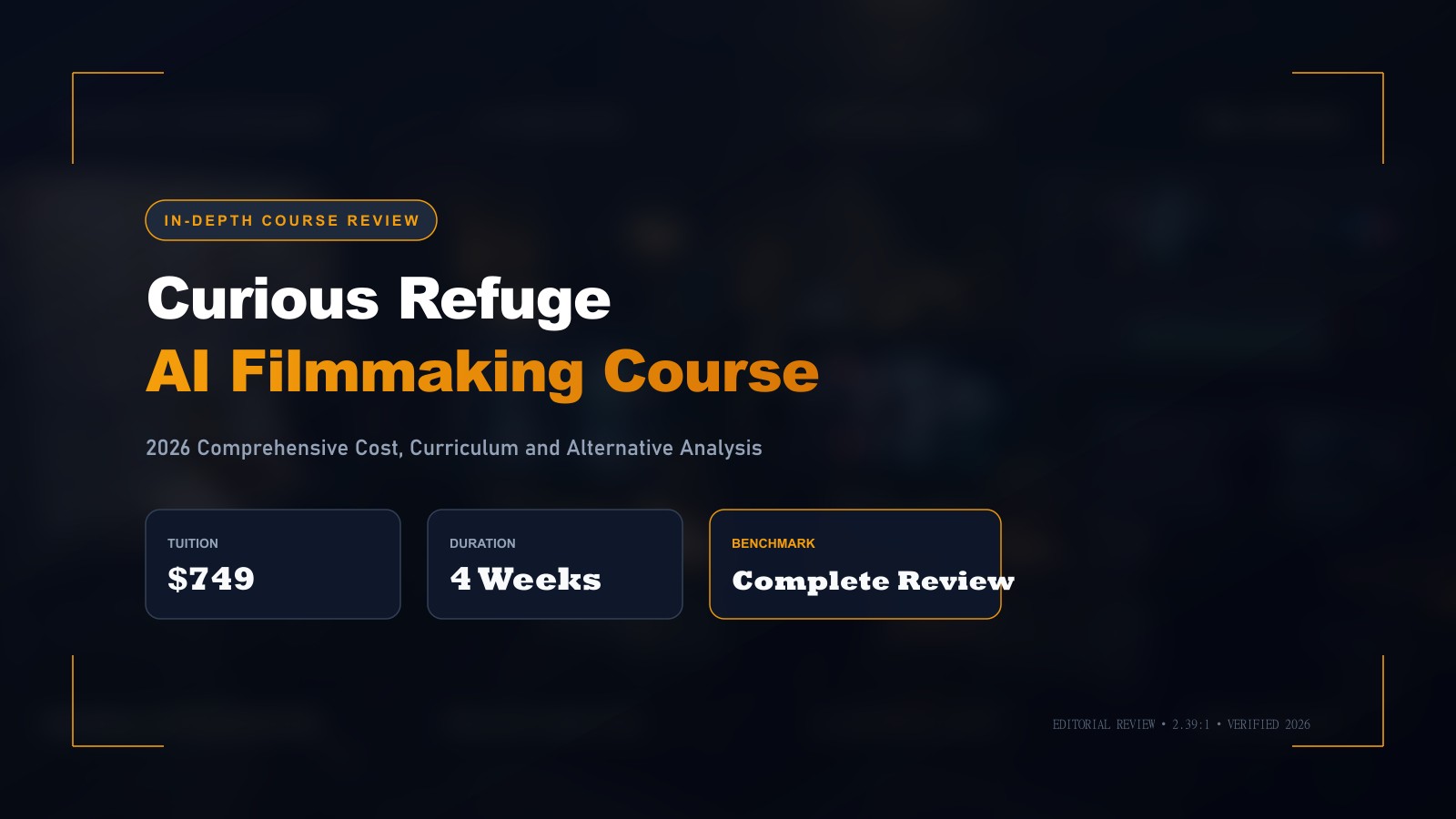
Curious Refuge AI Course Review: Is It Worth $749?
Honest Curious Refuge AI Filmmaking course review: the $749 price, what's included, free options, things to check before buying, and cheaper alternatives.
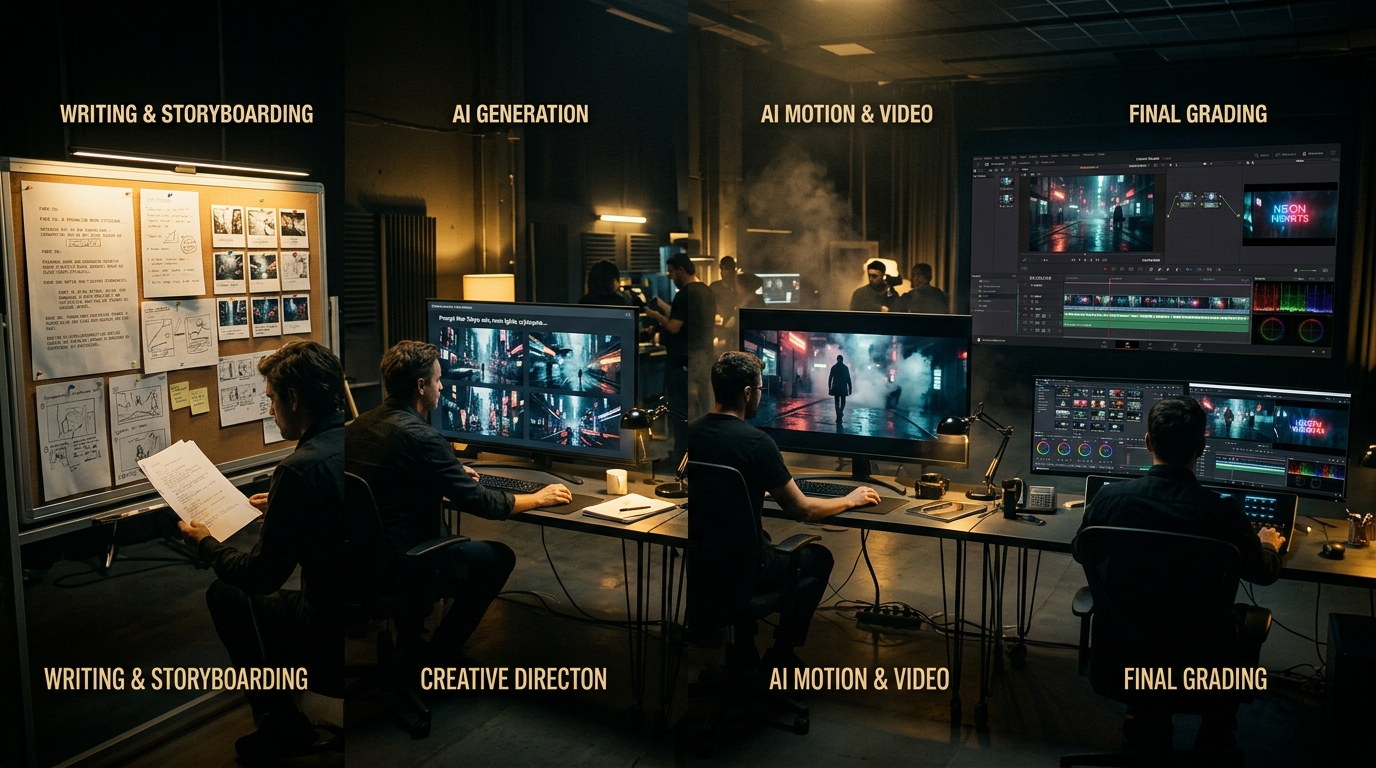
AI Filmmaking Workflow: From Idea to Final Cut
A step-by-step technical breakdown of the modern AI filmmaking workflow. Learn the exact process to take an idea from script to final color grade.